Ragdoll Soccer 2 Player Guide: Play a Friend on One Device
 RagdollSoccer.net Team
How to play Ragdoll Soccer with a friend on one device: which modes support two players, setup on PC, phone and tablet, gamepad support, and house-rule ideas.
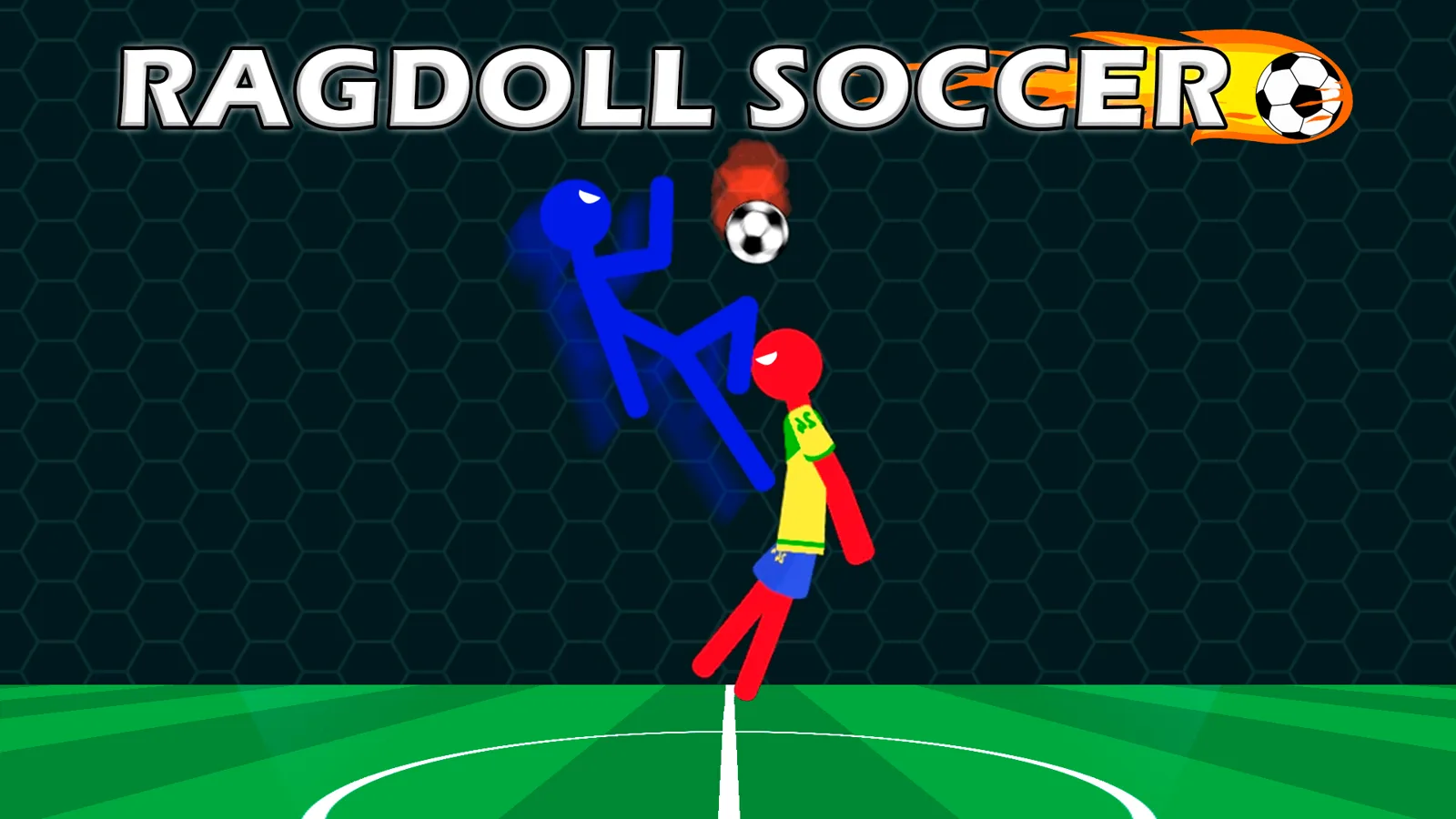
Ragdoll Soccer can be played by two people on one device. Pick the 2 Players mode, share a keyboard, a touchscreen or gamepads, and compete for the most goals in the allotted time. As of November 2026 the game is listed in Playgama's "Top 20 2 Player Games in November 2026" collection.
This guide covers which modes support two players, how to set up on each device, and some house rules to keep a session interesting. To start right away, play Ragdoll Soccer on our homepage.
Which modes support two players?
Two modes support two players on one device: 2 Players and Classic Match.
- 2 Players is the dedicated head-to-head mode. Two people share one device and compete for the most goals in the allotted time.
- Classic Match is the standard match, and it supports local multiplayer.
Both are local, same-device play. The game's listing does not mention online matchmaking, so plan on sitting next to your opponent. The other modes are described in our game modes guide.
Continued play unlocks additional modes. If a mode is not available on your first visit, check the in-game menu to see what is open.
How to set up on a PC
On a PC, two players can share one keyboard or use gamepads. The first player moves with W, A, S and D, headbutts with Q and kicks with E.
The second player's keys are not published, so do not guess. Open the in-game controls screen before the first match and have player two find their keys there.
Setup steps:
- Open the game and click the Full screen button under the game window.
- Check the in-game controls screen for both players' keys.
- Choose 2 Players or Classic Match.
- Sit so that each player can reach their side of the keyboard without crossing arms.
How to set up on a phone or tablet
On a phone or tablet, the game is controlled with a virtual joystick for movement and on-screen buttons for headbutt and kick. It runs in the browser on Android and iOS in landscape orientation, with nothing to install.
The listing does not describe how the touch controls are arranged for two players, so open 2 Players mode and see what the screen shows before you commit to a long session.
Practical advice for sharing a touchscreen:
- Use the biggest screen you have. A tablet gives two pairs of hands far more room than a phone.
- Lay the device flat on a table between you, or prop it up securely, so nobody is holding it while the other plays.
- Go full screen with the button under the game window so the controls are as large as possible.
Can you use gamepads?
Yes. Ragdoll Soccer has full gamepad support, along with mouse support. Gamepads are the most comfortable way for two people to play on a PC, since nobody is squeezed onto half a keyboard.
Connect your controllers before loading the game, then check the in-game controls screen to confirm the button layout and how a controller is assigned to each player. The listing confirms gamepad support but does not publish the button mapping.
Tips for a fair first match
A match is fairer when both players know the controls before the countdown starts. Before you play for bragging rights:
- Give the newer player time in Training. It is built for learning the physics, controls and special moves. Our beginner guide covers the basics.
- Play one warm-up match that does not count.
- Swap sides or input devices between matches if one of you thinks the other has the better seat.
- Talk about power-ups first. Reducer, Freezing, Gates and Goalkeeper can swing a game. The power-ups guide explains each one.
House-rule ideas
House rules are agreements between you and your friend, not settings in the game. You enforce them yourselves, which is half the fun.
- Best of three, five or seven. One match is short; a series produces a real winner.
- Winner stays on. With three or more people, the loser hands over the controls.
- Map switch. Alternate between the Field and Matrix maps each match, or let the loser of the last match choose.
- Headers only. Goals count only if the last touch was a headbutt. Score it on the honor system.
- Mini cup. Run your own bracket on paper for a group, with each match played in 2 Players mode.
- Keeper challenge. Take turns in Penalty Shootout mode, where you defend your goal against a series of penalties, and compare how each of you did.
Quick answers
Can two people play Ragdoll Soccer on one device? Yes. 2 Players mode is made for it, and Classic Match also supports local multiplayer.
What are the player 2 controls in Ragdoll Soccer? They are not published. Player one uses W, A, S, D, Q and E; check the in-game controls screen for the second player's keys.
Does Ragdoll Soccer support controllers? Yes. The game has full gamepad support as well as mouse support.
Can two people play Ragdoll Soccer on a phone? The game runs on Android and iOS browsers with touch controls, and 2 Players mode shares one device. A tablet is more comfortable for two than a phone.