How to Play Ragdoll Soccer: Controls, Rules and First Steps
 RagdollSoccer.net Team
A beginner guide to Ragdoll Soccer: what the game is, the controls on keyboard, phone and gamepad, how a match is won, and what to do in your first session.
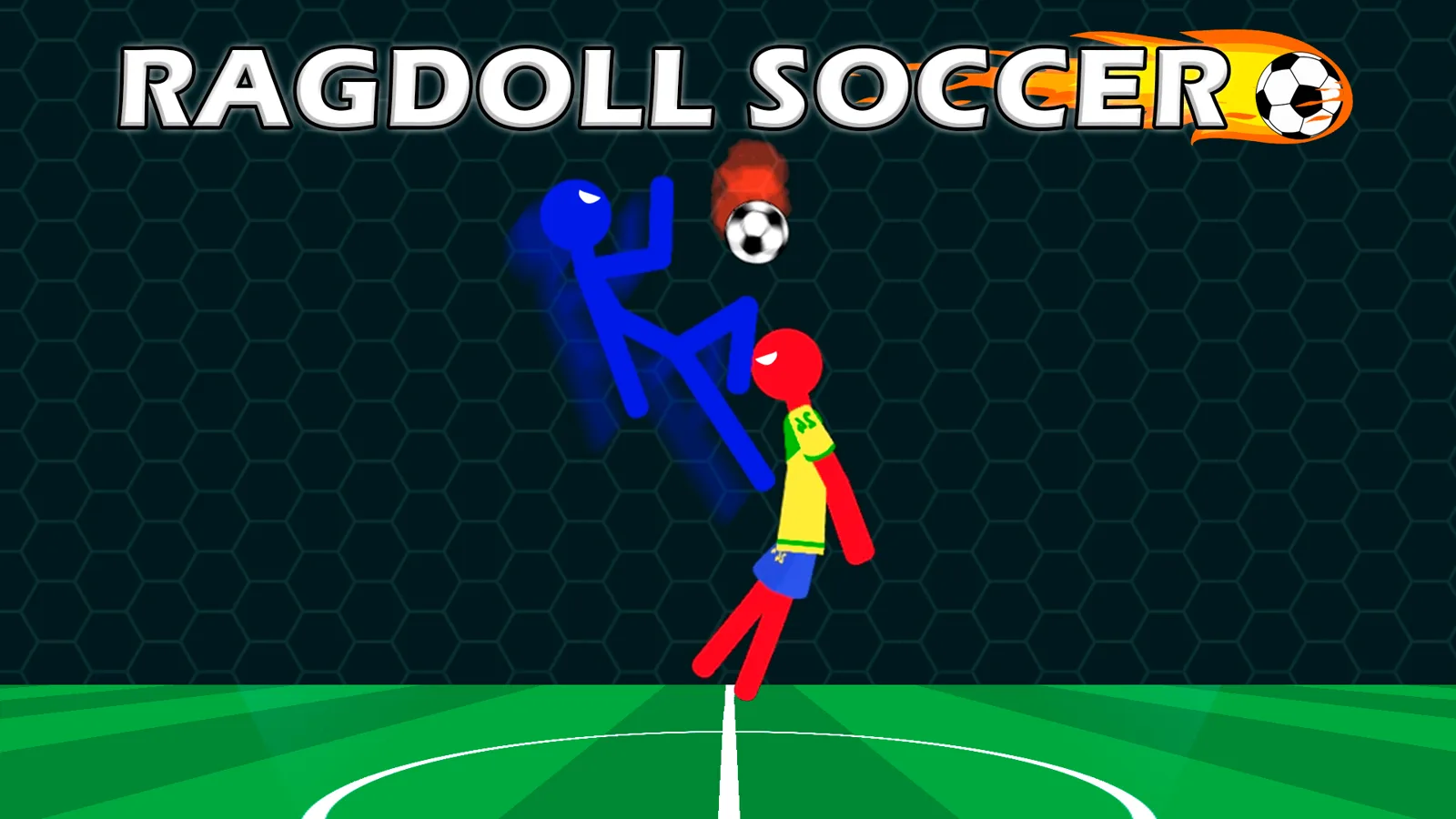
Ragdoll Soccer is a free 2D physics-based football game in which floppy stickmen try to knock a ball into each other's goal before the clock runs out. It runs in a web browser on PC, Android and iOS, with no download and no sign-up. This guide covers the controls, how a match is decided, and a sensible order for your first few sessions.
You can play Ragdoll Soccer on our homepage while you read. We are an independent fan site that embeds the game; it is made by x7-games and published on Playgama.
What is Ragdoll Soccer?
Ragdoll Soccer is a side-view football game where every player is a loose-limbed stickman driven by physics instead of scripted animations. Your stickman wobbles, tumbles and flails, so no two touches of the ball go quite the same way.
The basic facts:
- Developer: x7-games, built in Unity
- Price: free; the Playgama player may show ads
- Platforms: web browser on PC, Android and iOS
- Orientation: landscape
- Language: English-only interface
- Released on Playgama: December 2024, last updated October 2026
As of November 2026 it is rated 4.7 out of 5 from about 9,100 votes on Playgama.
How do you win a match?
You win by having more goals than your opponent when the scoreboard countdown reaches zero. Put the ball in the opponent's goal to score, keep it out of your own, and whoever leads when time expires takes the match.
The exact match length is not published, so look at the countdown on the scoreboard when a match starts.
What are the controls?
On a keyboard you move with W, A, S and D, headbutt with Q, and kick with E. On a phone or tablet you move with a virtual joystick and use on-screen buttons for headbutt and kick. The game also supports the mouse and has full gamepad support.
| Device | Move | Headbutt | Kick | | --------------- | ----------------------------------------------------------- | ---------------- | ---------------- | | Keyboard (PC) | W A S D | Q | E | | Phone or tablet | Virtual joystick | On-screen button | On-screen button | | Gamepad | Supported; check the in-game controls screen for the layout | | |
Two things to know before you start:
- Second player keys are not published. If you are sharing a keyboard, open the in-game controls screen to see which keys player two uses. Our 2 player guide covers the setup.
- Hold your phone sideways. The game is designed for landscape orientation.
On ragdollsoccer.net there is a Full screen button under the game window. Use it, especially on a phone, so the joystick and buttons have room.
What should you do first?
Start in Training mode. It exists to teach the physics and controls and to let you practice special moves with no opponent punishing your mistakes.
A simple first session:
- Open Training and just move around. Get a feel for how far your stickman leans and how long it takes to recover after a fall.
- Try both attacks. Use the kick and the headbutt on a ball at different heights and watch where it goes. Learning which attack suits which situation is something you find by feel, not from a rulebook.
- Play a Classic Match once you can reliably make contact with the ball.
- Try the other modes when you are comfortable. Our game modes guide explains all five.
Beginner tips
These are general tips for physics-based football games, not official rules of this one. Test them in Training and keep what works for you.
- Stay between the ball and your goal. A ragdoll body is a big, clumsy obstacle. Being in the way is often enough to stop a shot.
- Do not chase every ball. If you overrun the ball, you are behind it with an open goal at your back. Small adjustments beat full sprints.
- Watch the clock. Change how much you risk depending on whether you are ahead or behind.
What changes as you keep playing?
Continued play unlocks additional modes, more power-ups and new appearance options for your stickman. The listing does not say exactly how unlocks are earned, so check the in-game menus to see what is available and what comes next.
Power-ups can swing a match quickly: one shrinks the ball, another freezes your opponent. See our power-ups guide for all four and how to respond to each.
Quick answers
Is Ragdoll Soccer free? Yes. It is free to play in a browser with no download or sign-up. The Playgama player may show ads.
What are the keyboard controls in Ragdoll Soccer? W, A, S and D move your stickman, Q is headbutt and E is kick. Check the in-game controls screen for the second player's keys.
Can I play Ragdoll Soccer on my phone? Yes. It runs in the browser on Android and iOS in landscape orientation, with a virtual joystick and on-screen headbutt and kick buttons.
How long is a Ragdoll Soccer match? The match length is not published. Each match runs on a scoreboard countdown, and the player ahead when it ends wins.